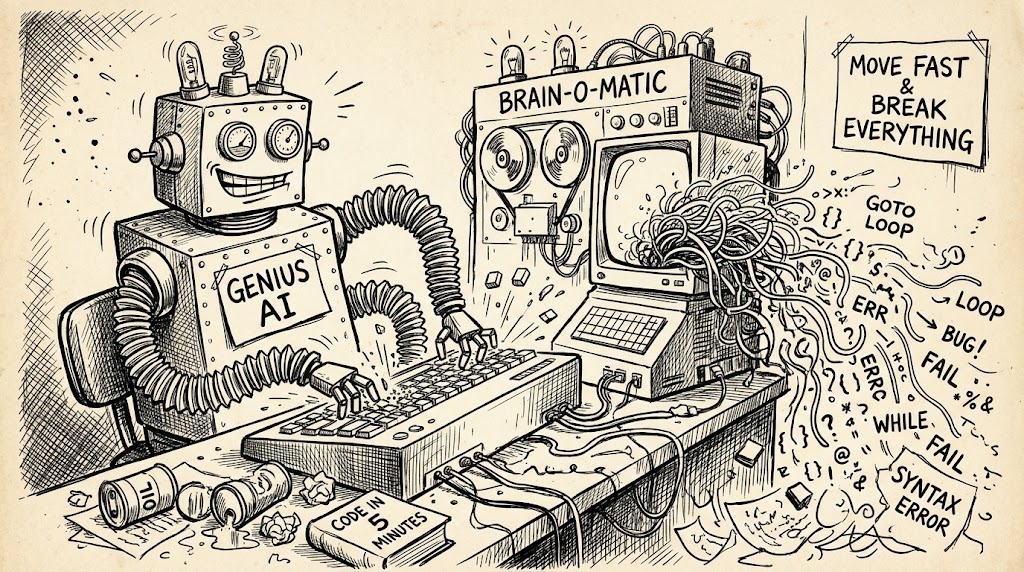
Every modern platform—whether it is Figma, WordPress, or a website builder—now tempts you with a built-in AI assistant that promises to do the heavy lifting in plain English. When you are stepping into an application you don’t know well, that magic wand icon looks like the ultimate shortcut. Yet every time I have relied on an in-app assistant in an unfamiliar tool, I have fallen into the exact same trap: the assistant quickly generates a layout that looks “almost there,” tricking me into thinking I only need a few minor tweaks. Instead, the moment I try to adjust a element, the whole structure unravels. Every single time, I end up spending hours educating myself on how the application actually works, trying to clean up the mess, and finally deleting everything the assistant generated to rebuild it manually from scratch.
The reason this happens is the exact same reason “vibe coding” fails in software development: AI optimizes for surface appearance through brute force. Instead of building a clean foundation using the tool’s proper primitives—like reusable components and Auto Layout in Figma, or clean block hierarchies and global styles in WordPress—the assistant essentially copy-pastes average patterns from thousands of messy projects across the internet. It hardcodes offsets, detaches layers, and piles on inline overrides just to make the screen look right on the first pass. If you don’t already know the application, you can’t see the structural disaster hiding behind the pixels until you try to edit it.
To make matters worse, many software vendors appear to power their built-in assistants with cheap, lightweight models to keep inference costs down. While those models can handle trivial tasks like renaming sections or generating placeholder text, they simply aren’t capable of holistic structural design. It is a cruel paradox: in-app AI assistants are marketed as a substitute for expertise, yet you must already be an expert in the tool to use them safely. If you are opening an application for the first time, skip the AI assistant—spending a couple of hours learning the tool and building the foundation yourself is much faster than rescuing a project that is “almost there.”
Leave a Reply